显示标签为“OBDSTAR X300M Odometer Correction”的博文。显示所有博文

2016年11月6日星期日

OBDSTAR X300M Odometer Correction Tool change Audi Q5 mileage easily

This is guide for using OBDSTAR X300M Odometer Correction Tool to change mileage for Audi Q5 2010. The operation is easy and clear as follows.
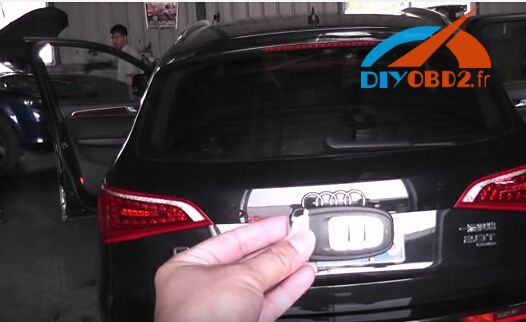
The original mileage: 22850 KM
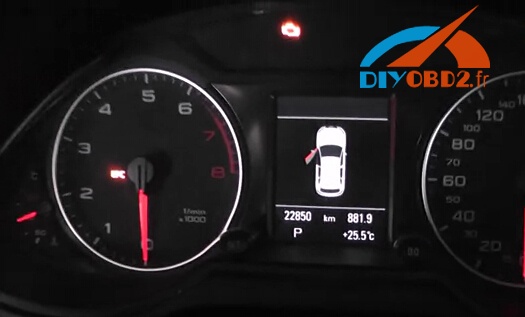
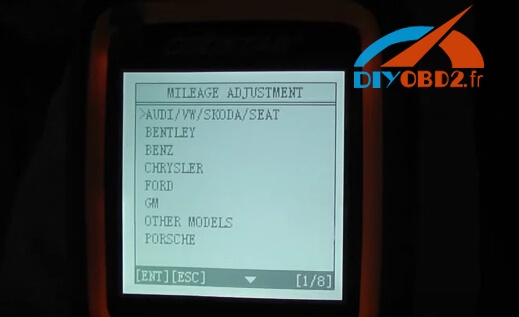
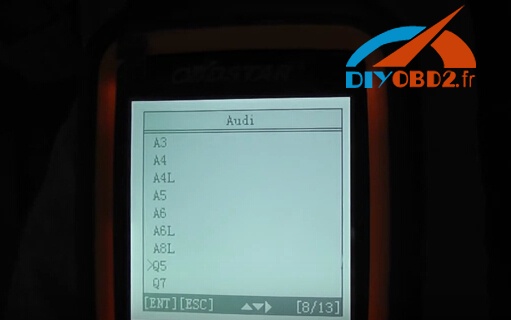
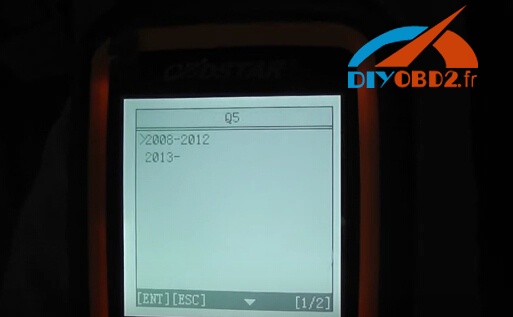
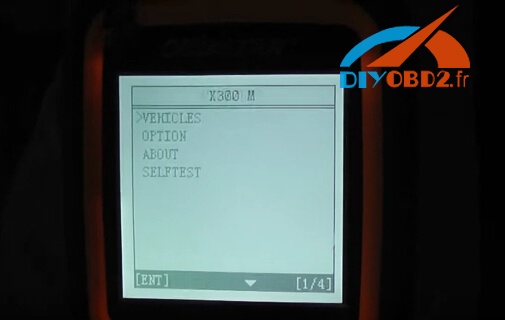
Step1. Connect OBDSTAR X300M to car and start the device. Choose “Vehicle”→ “AUDI/VW/SKODA/SEAT”→ “Audi”→ “Q5”→ “2008-2012”→ “Mileage Adjustment”.
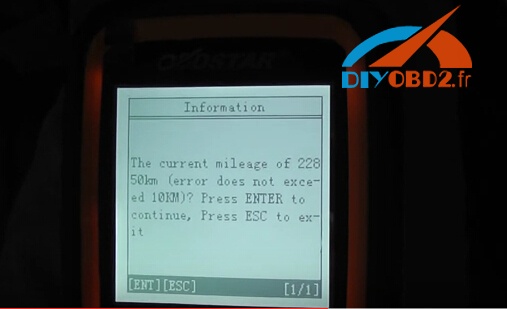
Step2. Now OBDSTAR X300M will show the exact original kilometer. Press the Enter button to continue.
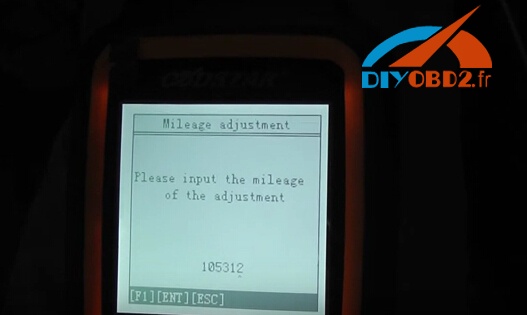
Input new mileage kilometer you want to change, in this car it is “105312”. Press the Enter button to confirm.
It will start to adjust odometer, usually 10-25 minutes to wait.
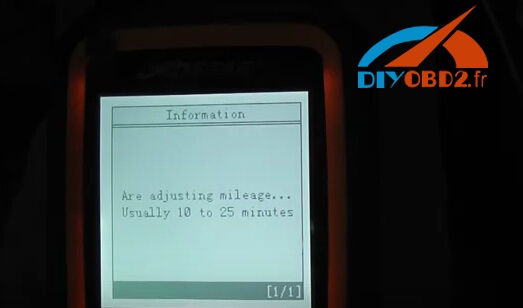
After that adjustment complete.
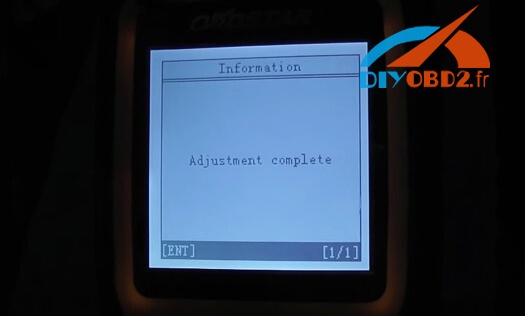
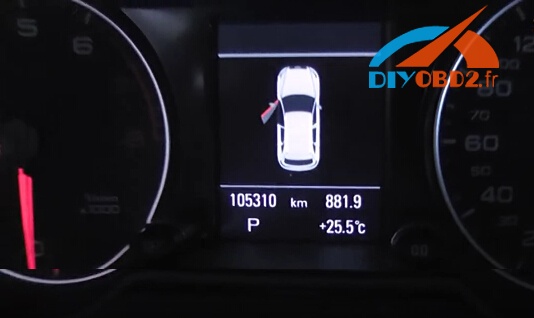
Things done! OBDSTAR X300M Odometer Adjustment Tool successfully change Audi Q7 mileage from 22850 KM to 105312 KM!
2016年10月11日星期二

OBDSTAR X300M Error “Security Verification Failed”

Here is an expert solution of OBDSTAR X300M mileage adjustment tool error “Security Verification Failed”.
X300M displays “Going to read the ECU Code and then forme tosend itto obdstar.com”. Then click on continue, the system pops up“SecurityVerificationFailed”
Screenshots:


Solution:
If you find that some models cannot change mileages, please follow the steps below:
1 Power On X300M unit -> Start -> System Settings -> Data Log -> On -> ESC Return to Main Menu;
2 when matching vehicles in the list, but X300M pops up the error message communication failure, please unplug the machine;
3 unplug the TF card, which the root directory LOG folder
4 send folders in the document to http://www.obd2france.com/, engineers there would help analyze the problem
Note! Every time you unplug the x300m machine, the data record will automatically be turned off. So, if you want to save the data the next time, you need to follow the above steps to re-open the data record
Tech support from http://www.obd2france.com/