显示标签为“launch easydiag iphone”的博文。显示所有博文

2017年1月9日星期一

How to setup Launch EasyDiag on iOS system (iPhone,iPad,iPod Touch)

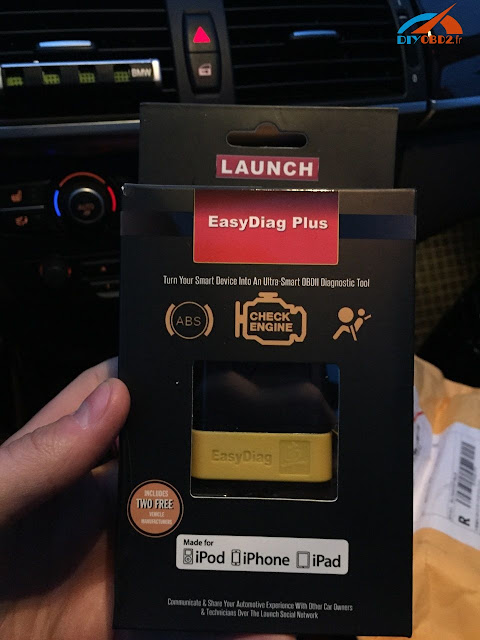
It’s a Launch EasyDiag manual of how to use it on the Apple iOS smartphones / tablets (iPod Touch, iPhone, iPad), as a powerful diagnostic tool. The EasyDiag can communicate with the iOS device via Bluetooth and will be delivered with free EOBD/OBD II software.

Demo version of the Launch EasyDiag app (iOS):

Before purchasing the EasyDiag you can test the EasyDiag app by using the demo version. Test the app for free, get a first impression and convince yourself. Just download the free app from your App Store (search for “EasyDiag”) and install it on your smartphone/tablet.
After installing the app, please open the EasyDiag app and select “Demo”. For testing the demo there is no need for a registration. Enjoy testing!

Setup the Launch EasyDiag iPhone:

  1. Download the application
    Download and install the EasyDiag app from the Apple App Store(free of charge).
  1. Registration and Login
    In the package you have the registration data included. Fill them in according to the specifications (product code & password).
  1. Download the OBD-II software
    After successful registration you will be remitted to the main menu. Now you can download the EIBD / OBD-II software (free).
  1. Update the EasyDiag
    Customize the EasyDiag with additional software from over 40 manufacturers!
Choose your manufacturer software (with costs): Get access to all electronic systems of your car, including ABS, airbag, automatic transmission and engine management. Also, the EasyDiag reads and clears DTCs and has an enhanced live data function and color graphing.


2016年11月1日星期二

Launch Easydiag 2.0 Plus diagnose car on iPhone and Android tablet

Today I want to share my experience and review on Launch Easydiag 2.0 plus. I used this little scanner on iphone 6 and Android tablet both OK. It read and clear DTC fault codes of BMW and Mercedes which help me turn off EML engine light!
I bought the unit $49, free shipping at obd2france.com. If you need download additional software, it’s $39.95 per brand. After a week I received it.
Now I start to show you how I use this Launch Easydiag OBDII scanner to read DTC codes for my Bimmer on iphone 6.
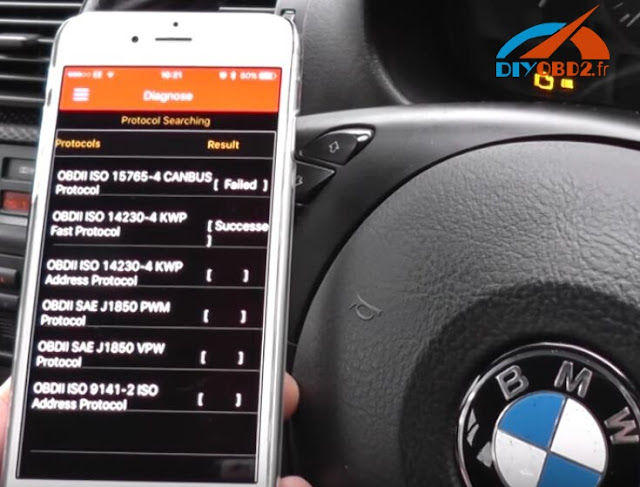
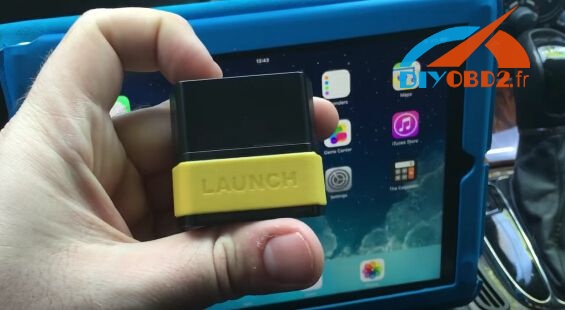
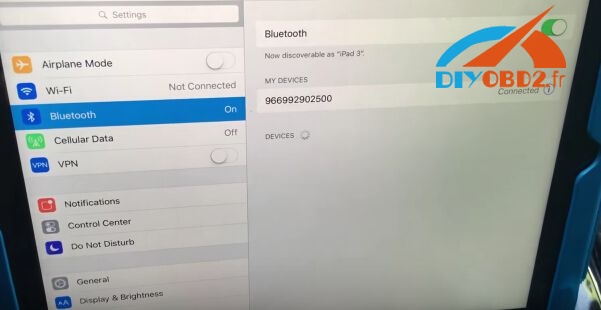
First I download Easydiag app, register by serial number show on the device. Next I connect this 16 pin scanner with my car: plug it into car OBD2 port. Then I pair and connect the Bluetooth.
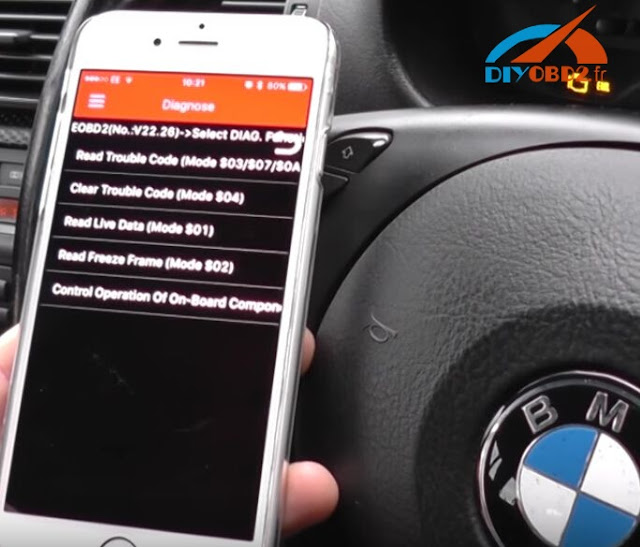
OK, now I open the software, choose “Diagnostics” then “Read Trouble Code”.
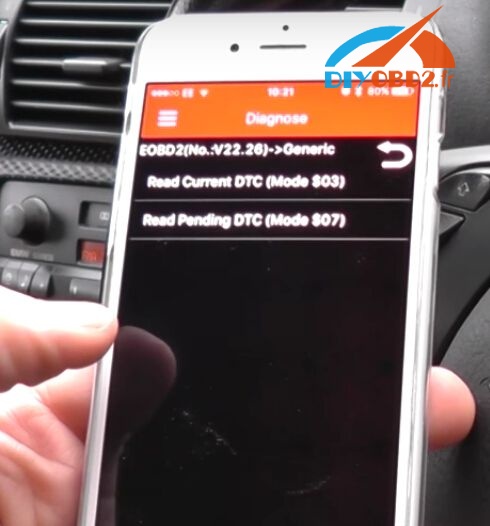
Choose “EOBD2” then “Generic”, hit “Read Current DTC”
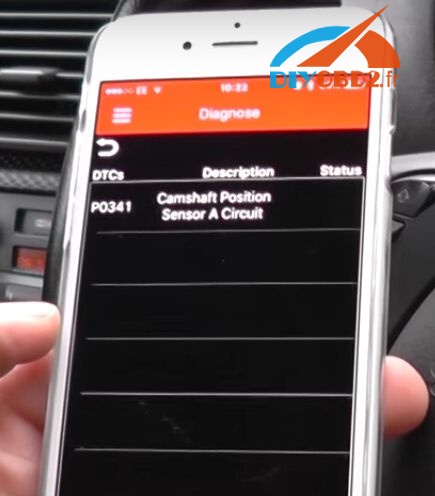
And it read out the fault code: P0341 Camshaft Position Sensor A Circuit”.
Click “Clear Trouble Code” and the code is cleared. Everything OK without ELM light!
Now I will show you how to use Launch Easydiag 2.0 on Android tablet. This time I read and clear DTC codes for a Mercedes W203.
Also plug the scanner into OBD2 port. Click “Setting” to connect to car via Bluetooth.
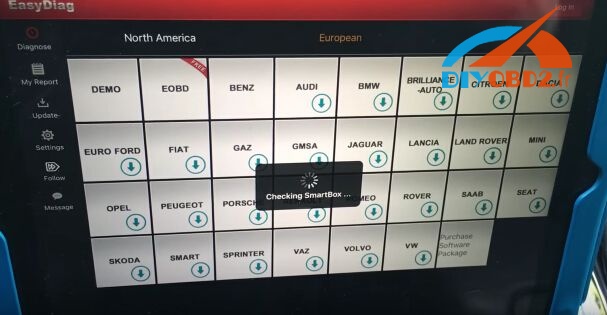
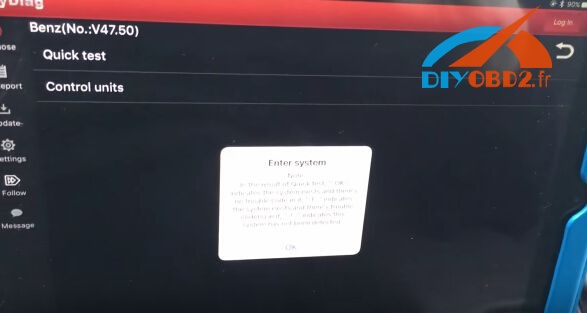
Open the software; choose “European” and “Benz”.
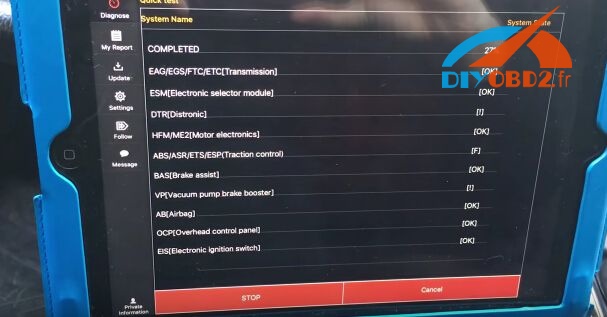
After manually select all vehicle information, I click “Quick Test” and turn ignition on.
And it automatically start to diagnose car.
Last step just need to clear all the fault codes and the car back to normal status!